Overview
Vocabulary sticks through repeated exposure, but flashcards only work if learners remember to open them. New words also tend to turn up while reading, and copying them into a separate app breaks the flow.
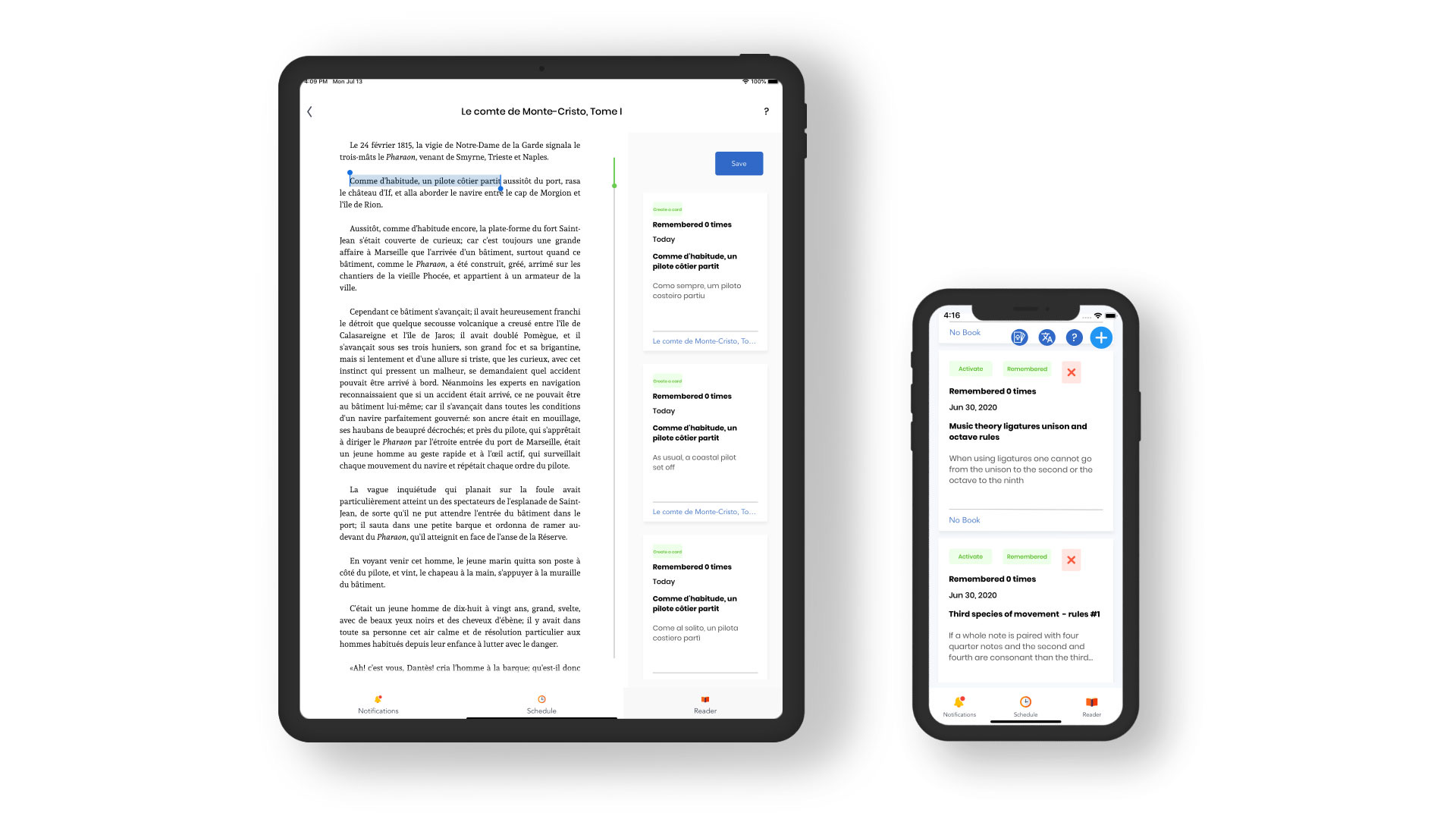
Easy Remember brings the review to the learner. Words, phrases, and quotes are saved as notification cards that come back as push notifications in time slots and at a frequency the user picks. A built-in EPUB reader lets learners capture, translate, and save new words in one step.
I designed and built it in about two months, from May to July 2020, and it reached version 2.12.
What it does
Notification cards
- Cards for words, phrases, and quotes
- Review a card right from the notification
Scheduled delivery
- User-chosen time slots
- Cards every 10, 15, 30, or 60 minutes
Reading and capture
- Built-in EPUB reader
- Select a word or phrase to translate it and make a card
- PDF import, converted to EPUB
Organizing
- Group cards into decks and add tags
- Save quotes as images to the camera roll
Sync and purchases
- Sync across devices with a Sync ID or email
- Tiered in-app purchases and coupons
How it's built
The lock screen as the study surface
Firebase Cloud Functions run on a Pub/Sub schedule every minute, find cards that are due, and send them through Firebase Cloud Messaging. A custom Notification Content Extension shows the card as a rich notification so it can be reviewed without opening the app.
A reader built for capture
The reader is my own fork of FolioReaderKit. Selected text is translated by a Firestore-triggered cloud function, and PDFs go through a separate PDF-to-EPUB conversion service hosted on Heroku.
In-house libraries
Data access goes through DephynedFire, a Firestore wrapper, and purchases through DephynedPurchasing, a StoreKit library. Both were written by Dephyned.
Data and sync
Cards and decks live in Firestore and books in Firebase Storage, which is what lets a learner read on one device and review on another. Remote Config, Analytics, and Crashlytics cover the rest.